Login :       Passwort :       Speicher mein Login/Passwort auf diesem Computer

Skins
Effects
Controllers
Languages
Samples
Grafx
Tools
Upload

CUE RMX by cioce (1280x768)

Name: CUE RMX by cioce (1280x768)
Autor: cioce - Ultra-VIP Member -

Datum hinzugefügt: Sat 24 Nov 07 @ 12:00 am
letztes Update: Sat 04 Jun 11 @ 4:15 am
Monatliche Downloads: 315
Downloads gesamt: 17 361

Mit Ihrer Lizenz/Seriennummer ist kein Download möglich.

Basierend auf:


Beschreibung:
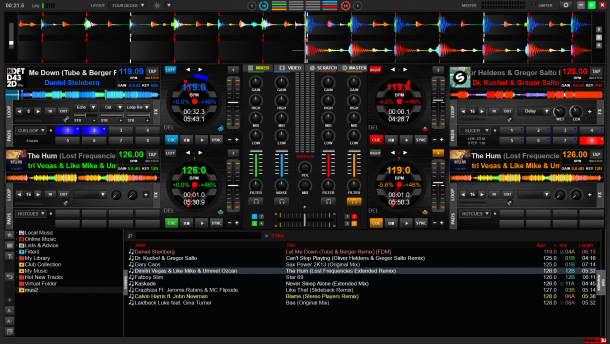
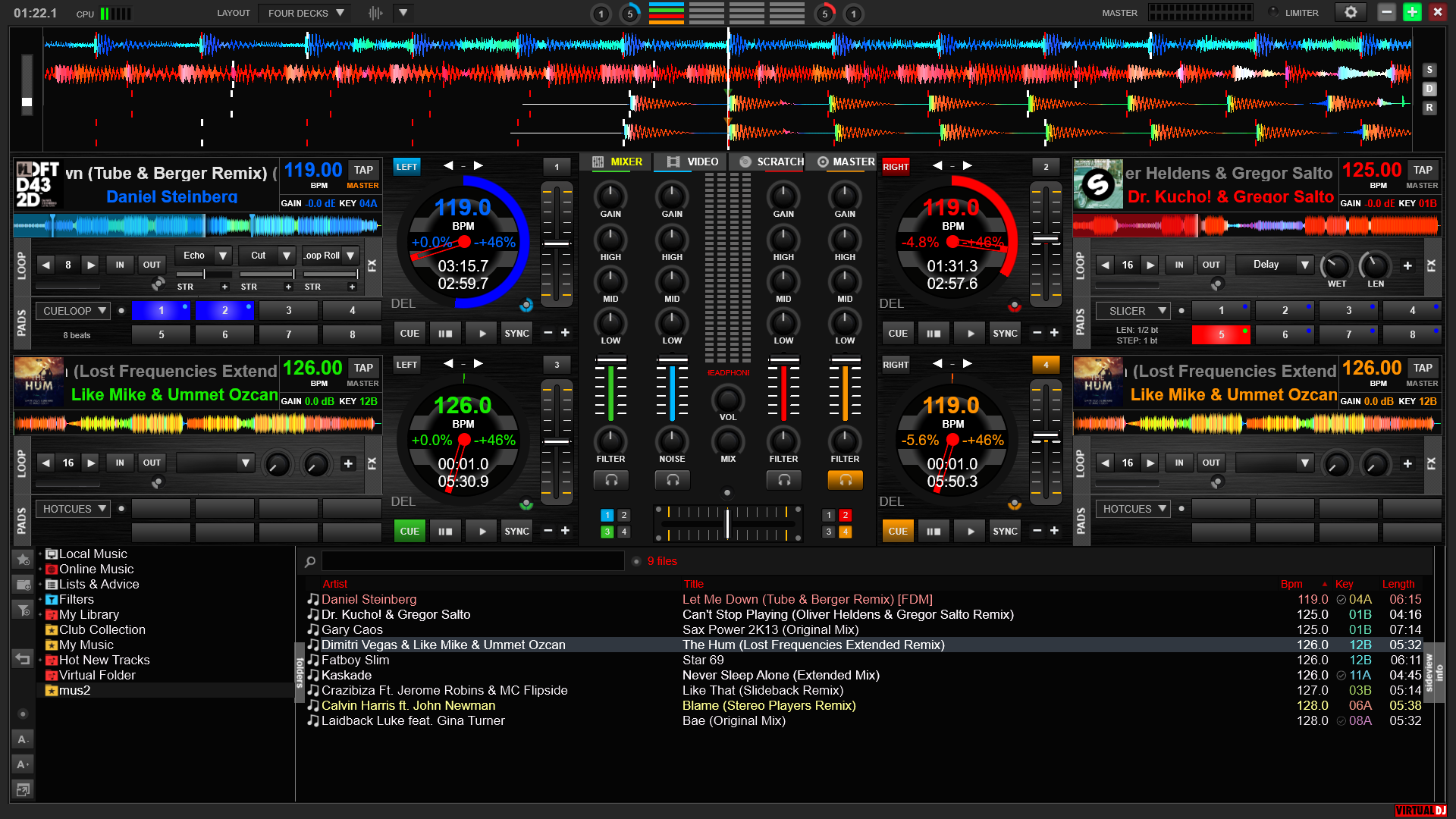
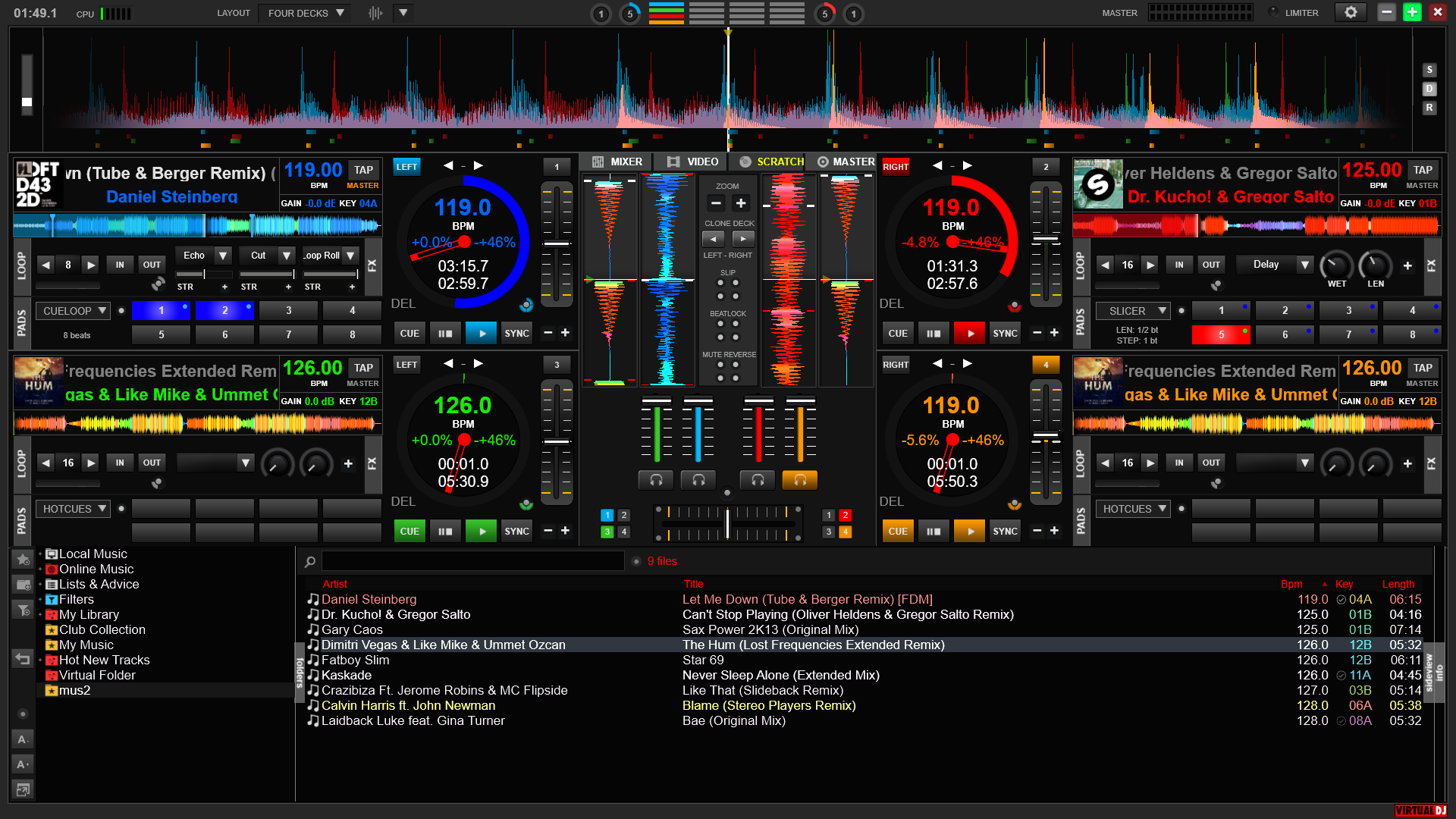
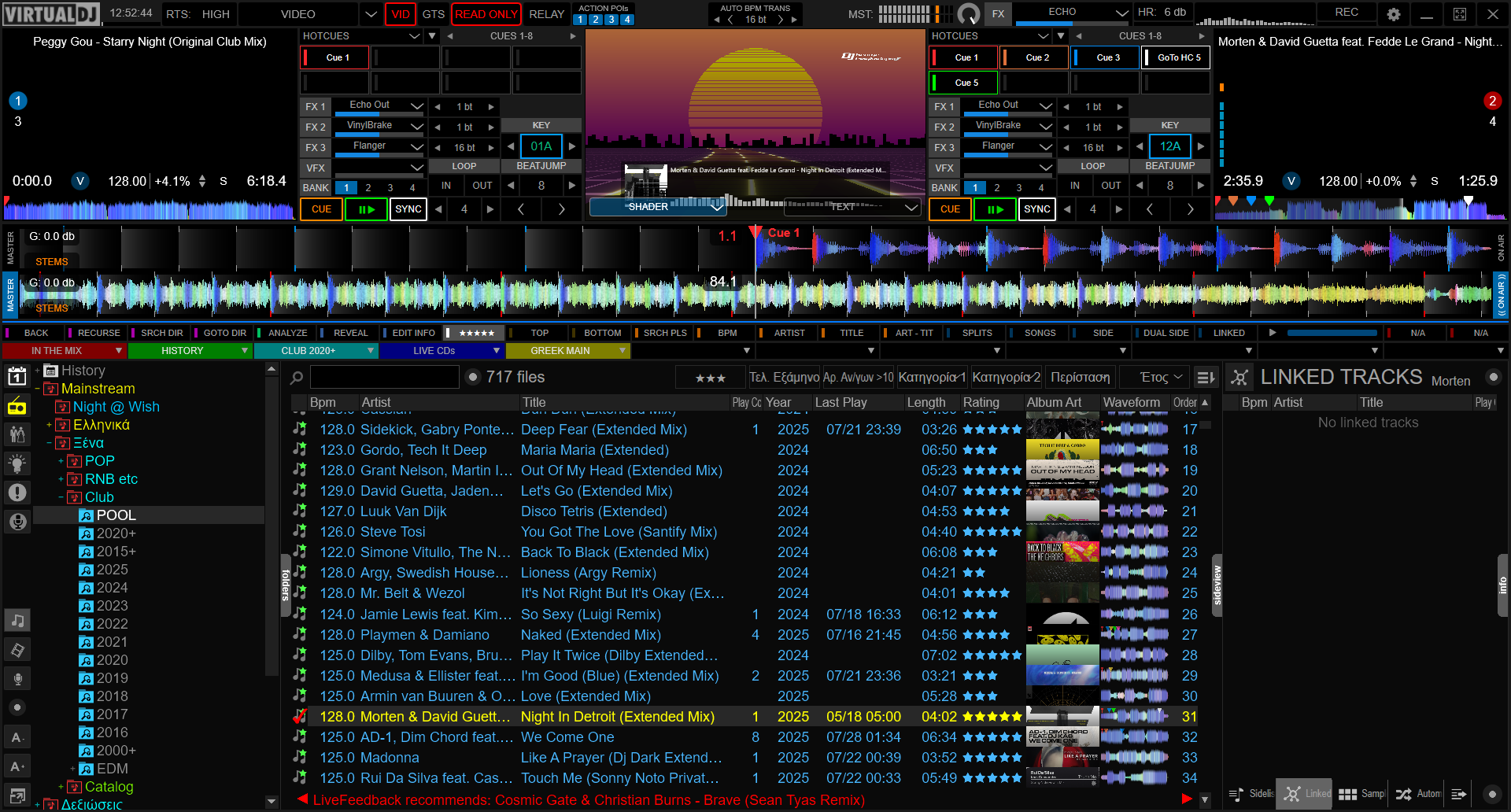
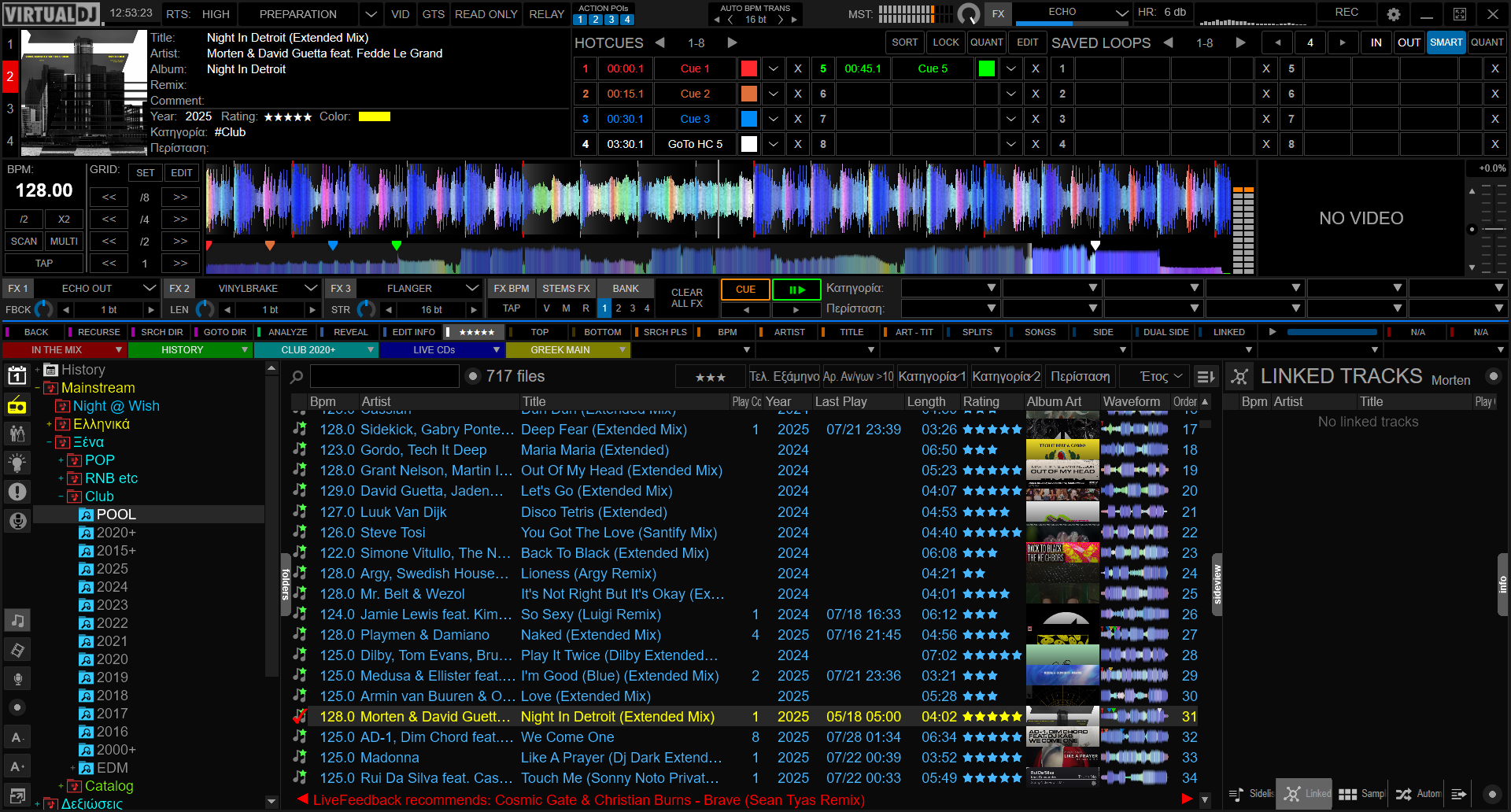
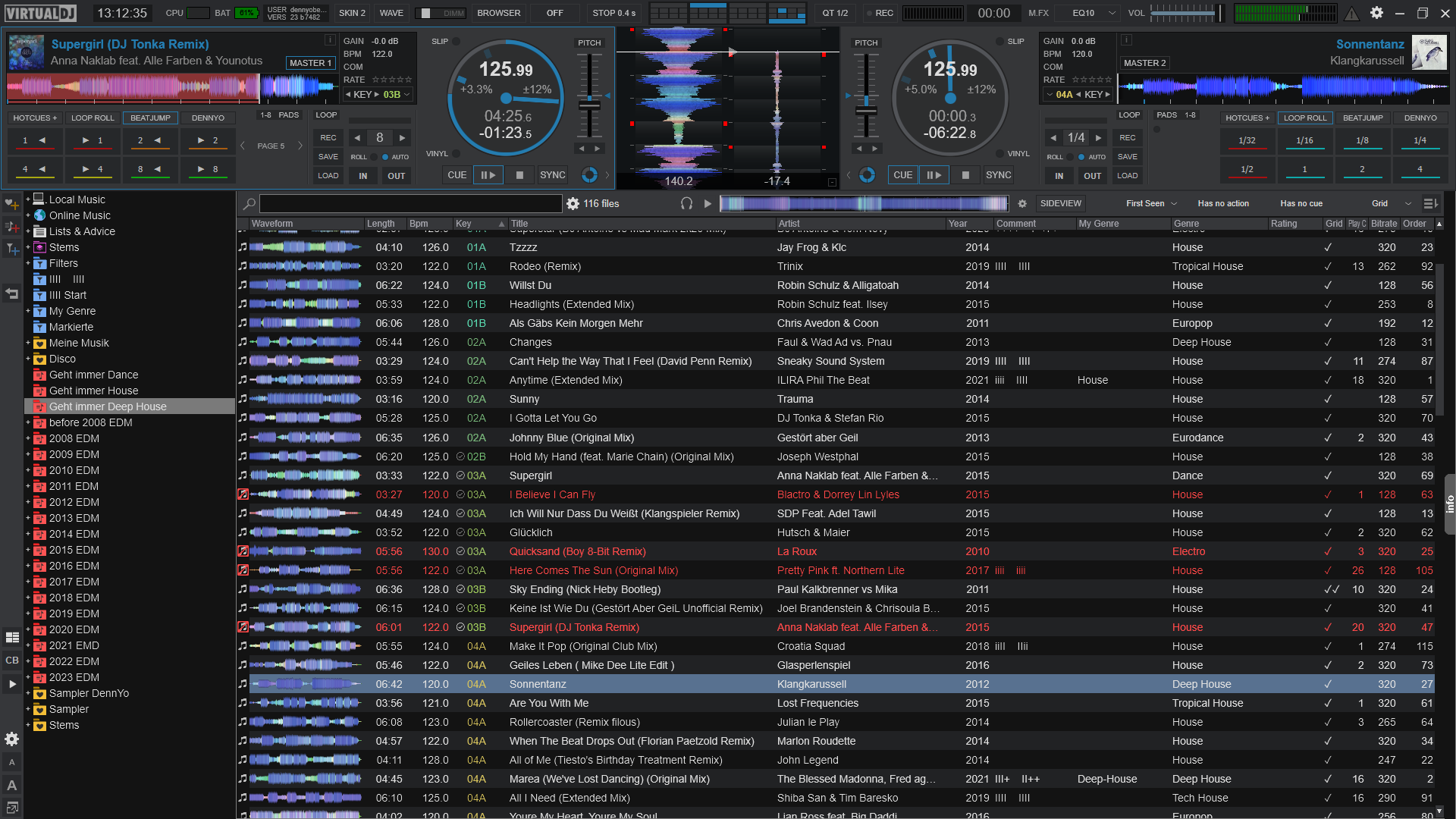
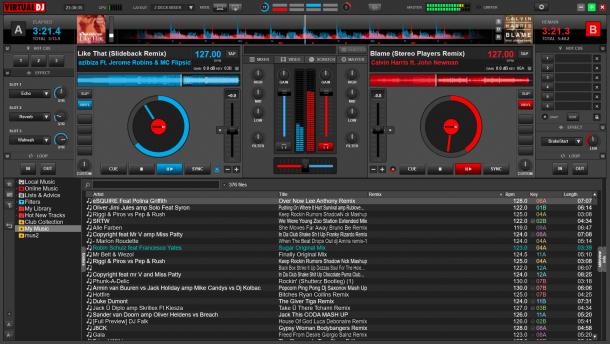
Here a good mix of the original Numark Cue internal mixer & video skins but now in widescreen size and with Audio, Video & Waves central panels.

Attention: It's required Virtual DJ or Numark CUE/VV 7.0 and next versions.

v2.5
- New different top rhythm waves with square or line grids or nothing
- Right click on the bpm text it Edit BPM, left click it change the BPM 1/2 digits after dot like before
- Right click on Automix button make action "mix now"
- Central Panel name changed like defaul skins

v2.4
- Virtual DJ 7 code compatible
- New different top rhythm waves, click the buttons under zoom 3 and see
- New Browser font zoom, just right click on "Browser" button and see
- New Knobs look (more precise)
- New Crossfader curve Bar
- New deck filters
- New linein and mic autopannel
- New Jog vinyl mode ghost indication
- New sampler_slot number indicated into the sampler zone
- New text status & automix next track infos up to Master Balance knob
- New action play_onbeat and play_sync_onbeat with right click on Sync and Beatlock buttons
- New Key button < (-1), | reset and > (+1), right click it change key -2, match key and change key +2
- New Hot Cue text where it's indicated the time to the Xth cue/from the Xth cue, beat to the Xth cue/from the Xth cue and Cue Name, right click on text it edit the Xth cue name
- Left Click on little key text it switch between Key offset - modified, Key offset - camelot modified & original key - camelot; right click it reset key to original
- Dedicated minimize, maximize and close Mac icons
- Long master volume
- Left click on track title it switch from "Artist - Title", to song "Full time / key offset = Key Mod (Original) & Camelot Mod (Original) and to song "Comment"; Right click on track title text it edit the comment like before
- Right click on pitch text indication change Pitch range, hold on right click put Pitch range @ 6% / left click show Pitch range like before
- Pitch bend buttons in pause make seek -+100ms, right click seek -+200ms
- Right click on track title text it show the file info of the loaded track
- Click on video out window it switch between the show of selected (pfl) video or master video out, right click it turn on-off main video out.

v2.3
- New Hot Cue buttons where now it's indicated the time to the Xth cue / time from the Xth cue / Cue Name, right click on text it edit the Xth cue name
- New Key knobs with relative Key info, you can switch between Key modified and original key just click on the key text indication
- New Skip one Beat in multibuttons, it will help when sync take one beat before or after
- Pitch bend in pause make seek -+100ms, right click remain Pitch Range -+1
- Tooltip added on more buttons (left click / right click / double click or hold on right click)
- Right click on button config it open directly the timecode config windows
- Unload button changed with Reverse (Right click on button it make Reverse temporary)
- Right click on button Select (the Big 1-2) it make Unload, double click it select and unload
- New long timecode signal indicator
- Right click on timecode button it activate bypass and blink when activated
- Right click on track title text it edit the comment, switch from "Artist - Title" to song "Full time / Key Original & (Mod) / Camelot / Comment" just click on the text song with left click obliously remain

v2.2
- Full screen mode now indicated
- New gain knob actions, right click match gain with other deck and double click it reset to the original 0dB
- New central Wave shine colors

v2.1
- New central "Wave" Pannel
- New "Smart Scratch" buttons in Wave Pannel, right click on it make action "Dump"
- New sampler half-double buttons, right click on it enable/disable sample loop
- Right click on sampler selection arrow now show sampler options
- Right click on Loop < > arrows now make loop_length 50% and loop_length 200% (Not limited to 32 beats)

v2.0
- Virtual DJ 6 code compatible
- Crossfader curve updated for Virtual DJ 6 and new Crossfader Hamster (X) added
- Master vumeter
- Cue point visual in wave little bit modified
- New headphone gain button, just left click on headphone icon on top and headphone gain will be +4%, right click -4% and double click it reset to original gain
- Song wave frame now blink before the end of the track
- Right click on TimeCode ghost buttons now make bypass of the timecode
- Right click on unload buttons now play the song backward (reverse)
- Right click on pitch bend buttons now change pitch range
- New Pitch / Pitch range info just click on the deck pitch text

v1.9 (only 1024x600)
- Better visualizzation for Active deck

v1.8
- Single or Double top waves option
- New smart_cue and smart_play buttons
- TimeCode buttons automatic appear only if TimeCode are in use

v1.7
- Better visualization of top and deck waves
- New automix_skip button
- New fadetoblack video button to enable/disable fade-to-black function on volume faders
- MAC skins font problem fixed in 1280x800 & 1280x1024 resolutions (Thanks to spinnaJ)

v1.6
- Now BPM Buttons is new Beat Tap buttons, with right click is old Edit BPM
- New Master Balance knob
- New text status info up to Master Balance knob
- New Pitch Range selection, left click scroll +/- default pitch range & right click change +/- 2
- New multibuttons fot Hot/Set 6 CUEs - Time Code Active/Bypass - Deck Skip/Seek/Key/Cbg/Clone/Clone no pitch/Reverse
- New function to switch from "Artist - Title" to song "Full time / Key Original & (Mod) / Camelot / Comment" just click on the text song
- New text BPM with 1 or 2 digits after dot just click on the bpm text

v1.5
- New look and new position for Pitch bend buttons
- Play stutter new draw added
- New function to switch from Artist - Title to song Full time & Comment just click on the text song

v1.4
- Modified area of reset Eq buttons
- New Top central Grids
- New automix button with progression of the automix on it

v1.3
- New striped browser like VDJ/Cue 5
- Automix button still remains like old VDJ/Cue 4 skins
- Modified skip 4 beat on < > and 8 beat with right click on it
- Modified pitch bend +/- value like default skin

v1.2
- New skin name -> CUE RMX by cioce(1280x800).zip because is a numark mod
- Video crossfader LINK button light up when active
- New function to switch between gain for the output info (speakers) and gain for the analyzed song volume info just click on the gain text indication

v1.1
- New full time indication of the song > remain - elapsed - total
- New Sync-Beatmatch buttons
- New Clone Deck buttons
- New automix active icon color
- New Dj Console joggle scratch button -> DJC (S)
- Multi video fx selection (Right click turn off all fx)
- Cue Deck button change, now is cue_stop like default skins

v1.0
- New function to switch from Artist - Title to song Comment just click on the text song
- Double value function on pitch bend +|- buttons with right click
- Skip 1 beat on < > and 4 beat with right click on it

Site map
(C)opyright Atomix Productions 2012

Software
Hardware
Premium Mitgliedschaft (Netsearch)
Goodies
VirtualDJ Pro Full
VirtualDJ Pro Basic
VirtualDJ Broadcaster
VirtualDJ Home FREE
VirtualDJ LE
Vergleich
Numark CUE
VirtualVinyl
VirtualDJ iRemote
AtomixMP3
eJay DJMixStation
DJ-Box
Why VirtualDJ?
Vdj for Video
Vdj for Turntablism
Vdj for Club DJ
Vdj for Mobile DJ
What's new
Eigenschaften
Screenshots
VirtualDJ Home FREE
Bedienungsanleitung
Plugins
Software updates
Presse Material
Entwickler SDK
Timecode CD
Skins
Effekte
Kontroller
Sprachen
Samples
Grafx
Tools und Treiber
Foren
User Netzwerk
Musik Gruppen
Wiki & Beschreibungen
Radio
Magazine
Social Web
Erstellen Sie einen Login
Atomix Production
Privacy Policy
VIP DJs
Stellen Sie eine Frage
Meine Tickets ansehen
Wiki & Beschreibungen